Tanker & Fluid Payloads
Tankers & Fluid Payloads
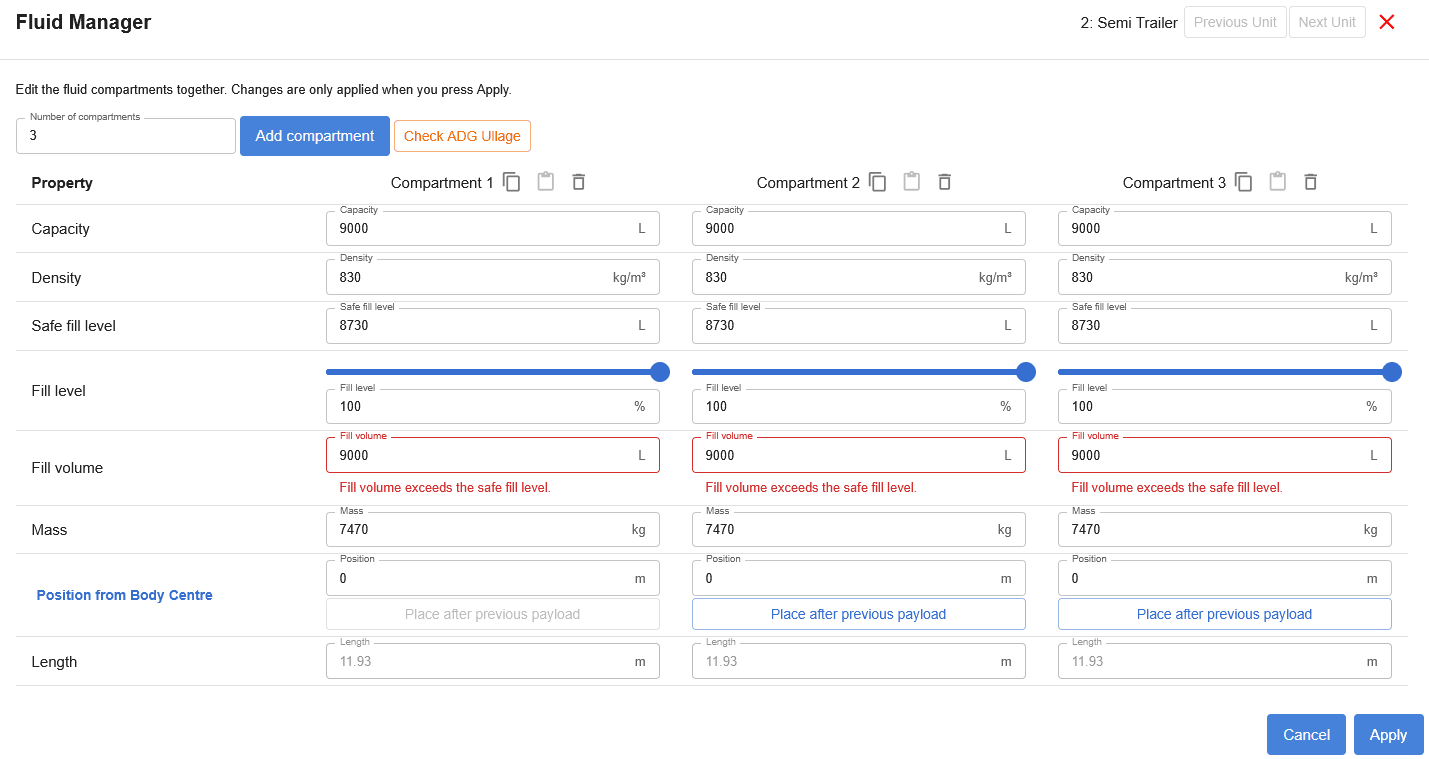
Fluid payloads require a tanker body. The tanker body has a profile that defines the shape of the tank, and it can also be given a rake angle.
Create a tanker profile
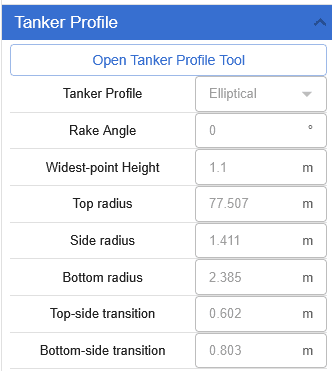
Open the Tanker Profile Tool to create a profile by entering its properties. You can also use the image tool to trace the oval geometry of an existing tanker drawing. Apply the profile to use it on the tanker body.
Edit fluid payloads
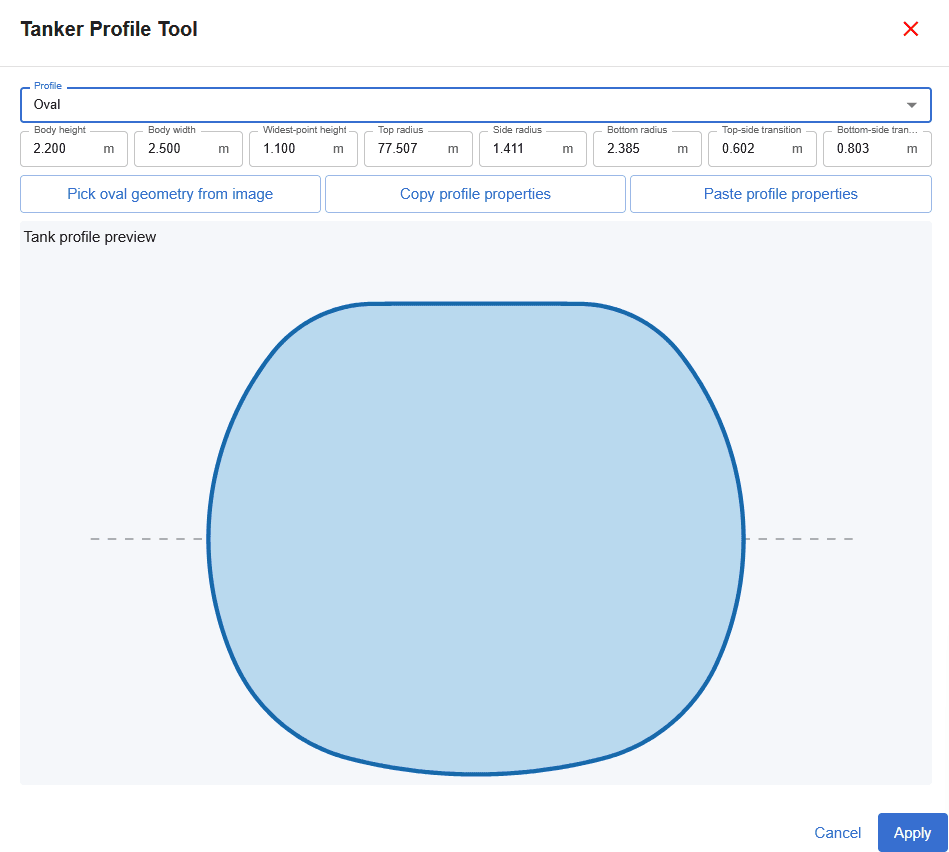
To edit fluid payload properties, right-click the payload to open the Payload Manager, then select Fluid Manager.
Manage fluid compartments
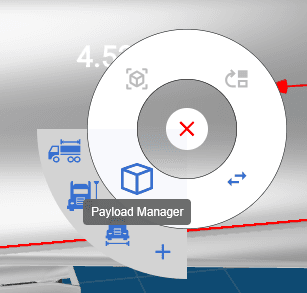
The Fluid Manager shows the tanker’s compartments together, so you can review and edit their properties from one place. Add compartments or adjust properties such as capacity, density, safe fill level, fill level, fill volume, mass, position, and length.
Changes are applied when you select Apply.